No. 76Technology3 minviews 35
Published by GK Library Annex
Can a map show your location in airplane mode?
Calls and Wi-Fi are cut off. What happens to the blue dot?
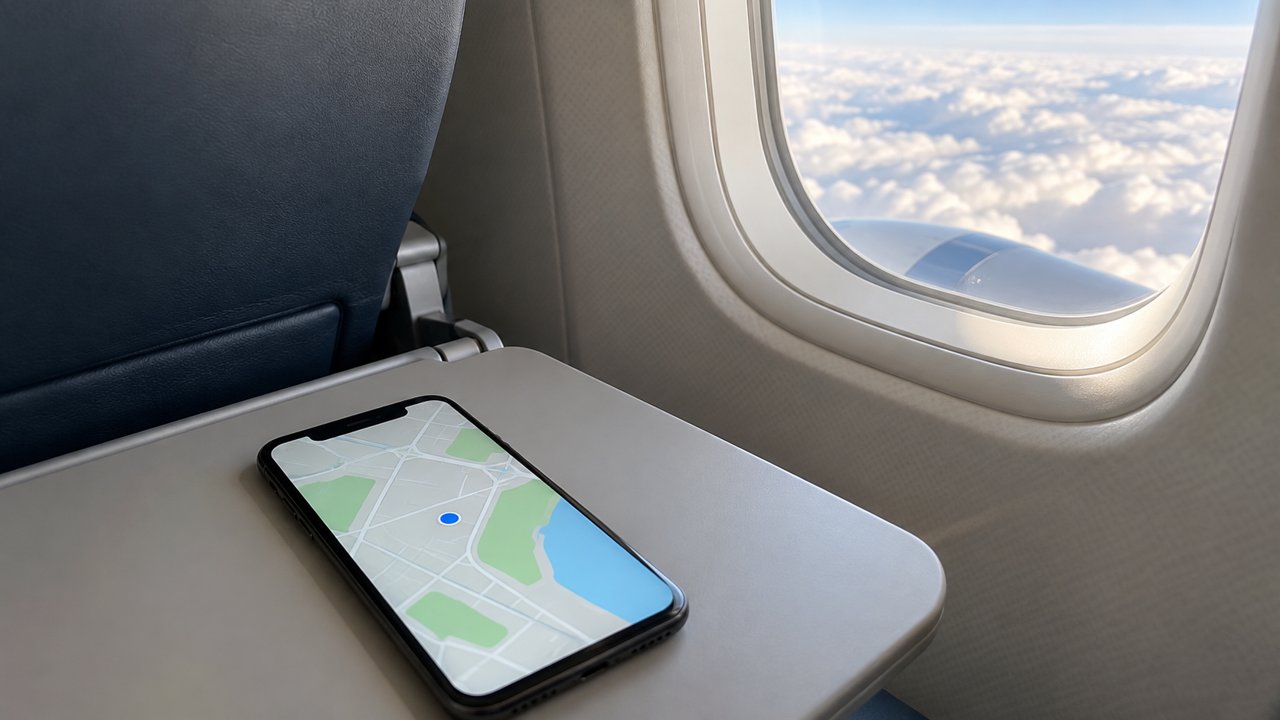
Even with airplane mode on, your location usually still shows up on the map. Airplane mode turns off the features that make your phone send out radio signals, while GPS, which tells you where you are, only receives signals from satellites.
GPS only listens
GPS satellites keep broadcasting the time and their own positions from the sky. Your phone works out where it is from the differences in when signals from several satellites arrive, and it never sends anything back to the satellites. It is a bit like a radio that only listens to a broadcast.
That is why airplane mode, which turns off communication, does not clash with GPS. Today's iPhones and Android phones keep location features on in airplane mode. Very old models or certain settings may behave differently, though.
The map is what uses data
Many people think keeping your location on in a map app eats up data. But receiving satellite signals costs nothing. What uses data is the map images and route information. That is also why your data usage barely rises even when the location arrow is on.
Map apps usually load maps from the internet as you go, so in an area you have not downloaded ahead of time, the blue dot may float on a blank screen. Directions and live traffic stop too.
The first fix is slower
Normally your phone gets satellite orbit information over the network in advance and finds its position within seconds. Without that help, it has to work only from satellite signals, which can take anywhere from tens of seconds to a few minutes. Starting with no information at all, receiving the full list of satellites takes as long as 12.5 minutes. Buildings or roofs blocking the sky slow it down further, so on a plane, a window seat picks up a fix much better.
Using it when you travel
This comes in handy on trips abroad or on mountain trails. If you download the map of where you are going in your map app while you have Wi-Fi before leaving, you can see your location on the map even in airplane mode. With the map open at a plane window seat, you can even follow which city you are flying over. Features that need fresh information, like searching for shops or live traffic, still need the internet.
Related reads
Your location still works in airplane mode, but to use the map you need to download it ahead of time while you have Wi-Fi.
Notes and references · Apple Support · Ars Technica. Apple, “Use Airplane Mode” and “About privacy and Location Services” (finding all satellites can take minutes; maps rely on data services). Ars Technica 2009 (A-GPS, full almanac takes 12.5 minutes). May vary by model and OS.
Editorial standardsReport an error
Quick quiz