No. 45Technology3 minviews 27
Published by GK Library Annex
Why is Wi‑Fi different in every room of the same home?
Walls, distance, and running appliances quietly block some of the signal.
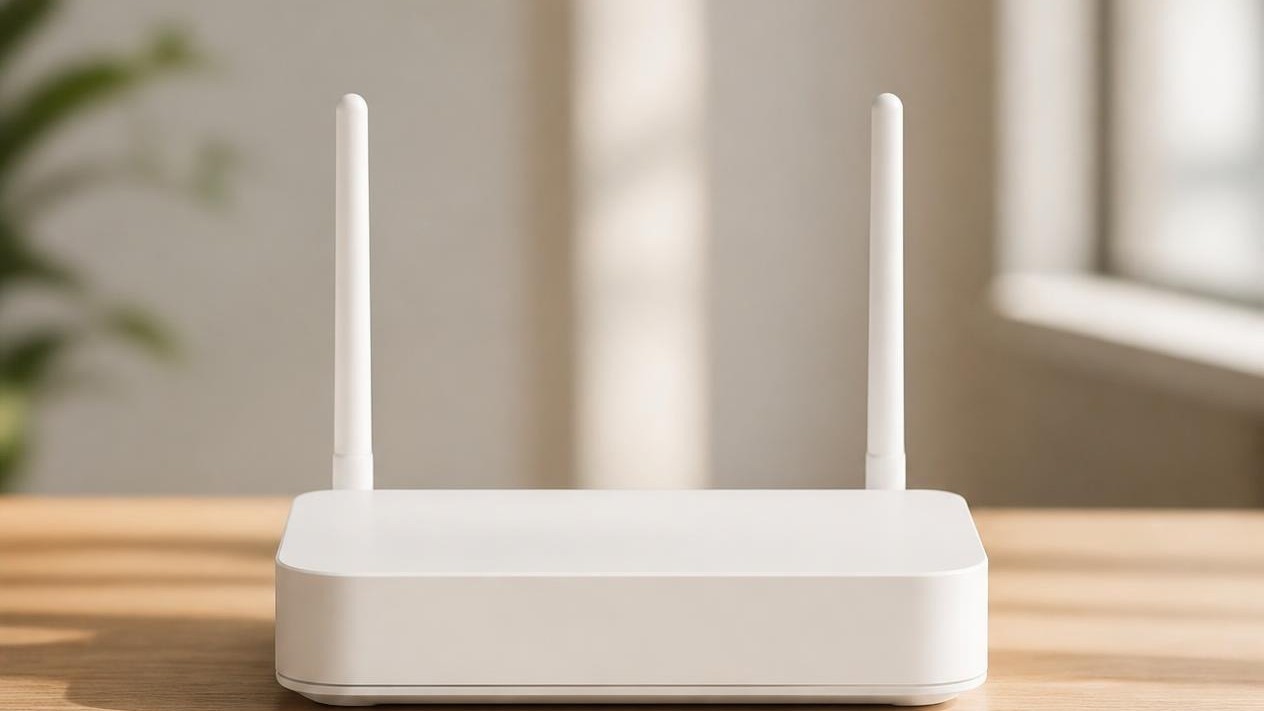
Even on one router, room-to-room Wi‑Fi strength differs because the signal weakens through walls. It is not always a fault. Distance from the router and nearby appliances also change how much arrives. The 5 GHz band is often faster but passes through walls less well.
Walls block the path
Wi‑Fi does not travel only in straight lines like a beam of light. Concrete walls, bathroom tile, and metal shelves cut its strength. Thick concrete often costs a large loss even at 2.4 GHz, and more at 5 GHz, according to common WLAN planning figures. That is why the living room may show full bars while an inner room shows one. A closed door still blocks less than a thick wall; thin wood is gentler than heavy concrete. 「Windows reflect all the signal」 is less common than walls and distance.
Farther means weaker
Closer to the router, the signal scatters less. Under a desk or inside a cabinet, even the same room can struggle. A high shelf a little away from the wall is usually better. A router buried in blankets or a box also shades nearby rooms. If you cannot move rooms, try shifting only the router. When an inner room is weak, check wall count and placement before assuming a broken device.
When the kitchen feels worse
A running microwave, or a large fish tank full of water, can slow things briefly. Microwaves work near 2.4 GHz, so they can briefly disturb Wi‑Fi on that band. Strong appliances nearby can interfere with each other. If the slowdown only happens then, look at placement before calling it a fault. Moving the router a little toward the center of the home, not a wall corner, sometimes helps the inner rooms.
Trying another band
Many home routers offer both 2.4 GHz and 5 GHz. Five is often faster but weaker through walls; 2.4 is slower but reaches farther. If only an inner room drops, put that device on 2.4 GHz, or add an extender or mesh midway. Routers almost never 「turn off per room」—weak signal is the usual story.
Related reads
If an inner room is weak, check walls, router placement, and 2.4 vs 5 GHz before blaming a fault.
Notes and references · Huawei WLAN planning notes; microwave–WLAN interference studies. Band-specific concrete attenuation follows common WLAN planning tables (e.g. Huawei). Microwave oven interference with 2.4 GHz WLAN is widely measured. Exact numbers vary by home walls and appliances.
Editorial standardsReport an error
Quick quiz