No. 35Technology3 minviews 22
Published by GK Library Annex
How does the screen follow when you turn your phone sideways?
Lying down with your phone, the screen sometimes turns the wrong way. What does a phone go by?
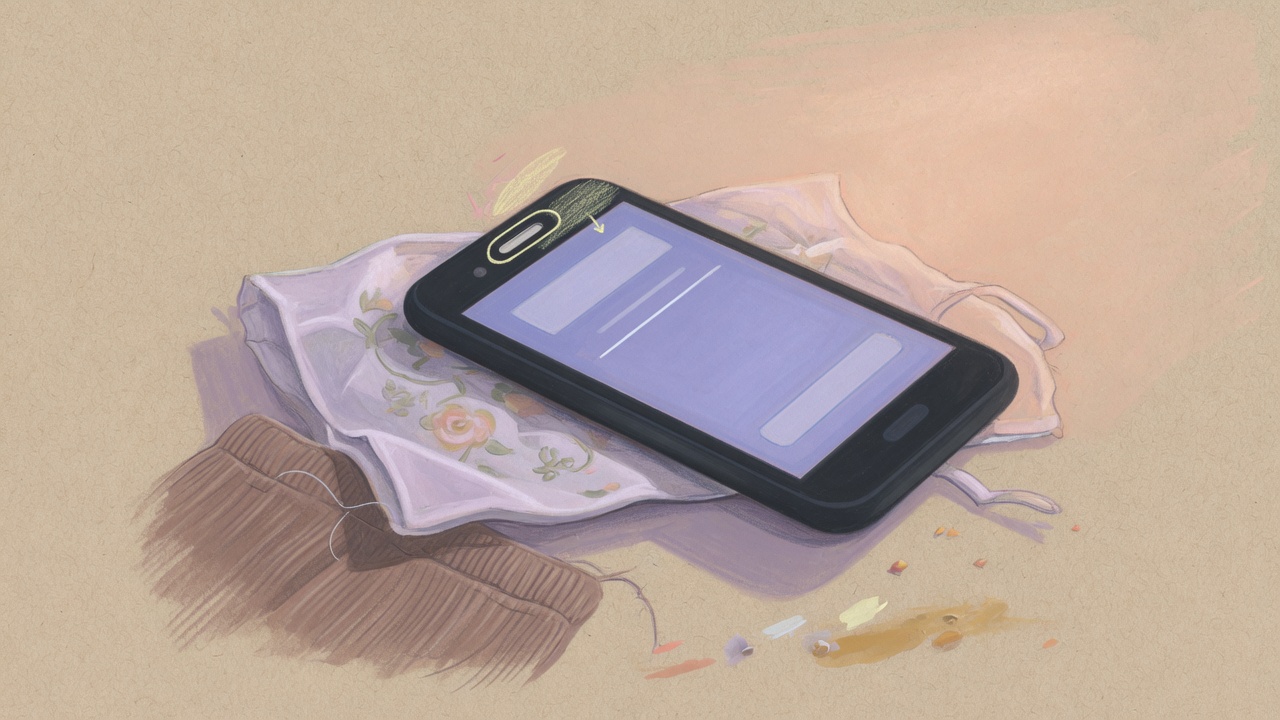
When you turn your phone sideways and the screen follows, it's because an accelerometer inside reads which way gravity is pulling. A phone usually rotates the screen based on which way is down, not on where your face is.
It reads the pull of gravity
An accelerometer is a chip far smaller than a fingernail. Inside is a tiny weight-like structure; when the phone tilts, gravity tugs it slightly, and that change is turned into an electrical signal. Android's developer documentation also describes this sensor as measuring the force on all three axes, including gravity.
Hold the phone upright and gravity pulls toward the bottom of the screen; turn it sideways and gravity pulls toward the side. The phone sees that change, decides it is now landscape, and redraws the screen. Depending on the device, it also uses readings from a gyroscope, which measures rotation.
Lying down, it turns the wrong way
Lie on your side in bed looking at your phone, and the screen sometimes flips to landscape, which is annoying. It's easy to think the phone matches the direction of your face, but usually it only looks at gravity. Even if your head is lying sideways with the phone, to the phone it has simply been turned on its side.
That's why, starting with Android 12, Google's Pixel phones let you choose auto-rotate that also uses the front camera to check which way your face is turned. You have to switch it on separately, and Google says the images aren't stored and are processed only on the device.
Flat on a table, it gets confused
Lay the phone flat on a desk and gravity pulls only toward the back of the screen, so there's no clue about which way is up. Turn it while it lies flat and the screen stays put, then often rotates suddenly the moment you lift it slightly.
The same thing happens when the screen flips back and forth on a bumpy bus. When jolts mix with the tilt and the sensor readings wobble, the phone thinks its orientation has changed. In those moments, it's easier to lock rotation.
The lock keeps portrait
The Portrait Orientation Lock in the iPhone's Control Center does just what its name says: it keeps the screen in portrait. With it on, the screen stays upright even when you turn the phone, and it isn't a button for locking landscape. To view in landscape, turn the lock off and rotate the phone in an app that supports landscape.
On Android, turning off auto-rotate stops the screen from rotating, and when you turn the phone a small rotate button appears in a corner of the screen, so you can tap it only when you want. If the screen still won't turn with the lock off, the app often supports only one orientation.
Related reads
A phone rotates its screen by the direction of gravity, not your face. When you use it lying down, locking rotation makes things easier.
Notes and references · Android sensors overview; Apple Support rotation. Accelerometers measure force on three axes, including gravity. Face-based rotation came with Android 12 on Pixel 4 and later, and how rotation works varies by device and app.
Editorial standardsReport an error
Quick quiz