No. 59Technology3 minviews 43
Published by GK Library Annex
Why does my face in a selfie look different from the mirror?
The face on screen looks familiar while you take the photo, but somehow strange in your album. What changes between taking and saving it?
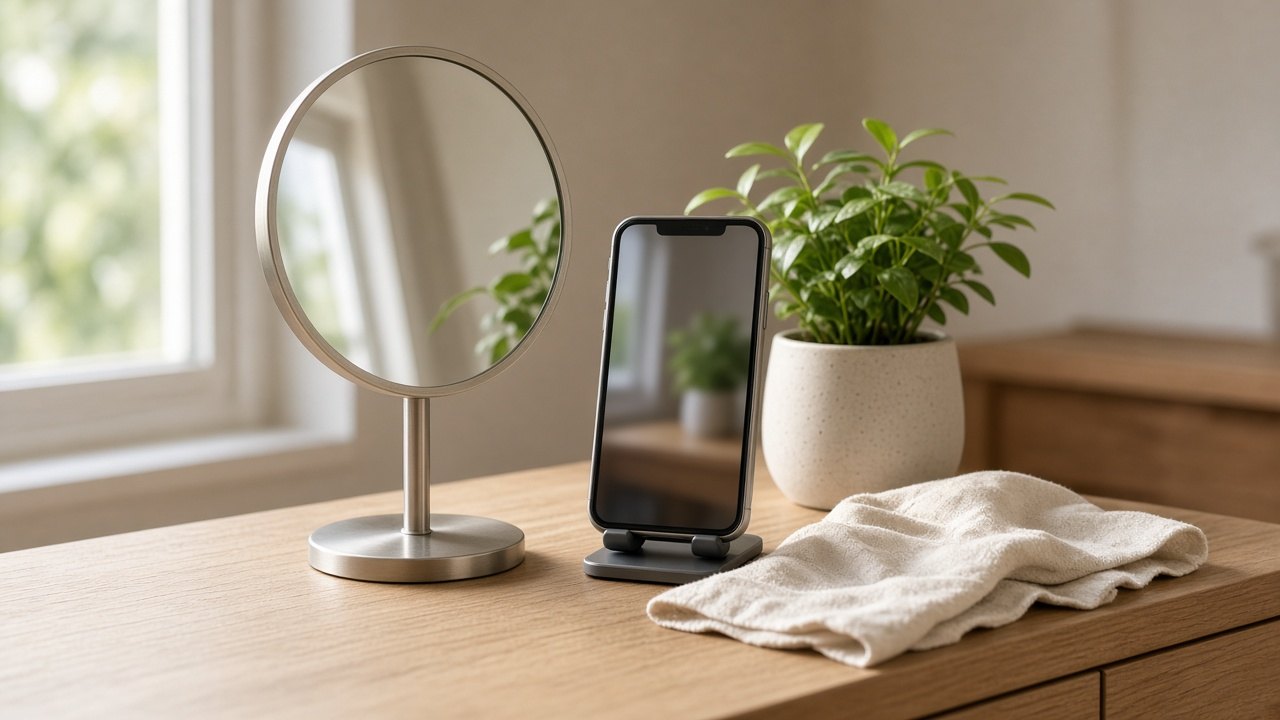
A selfie can look odd because its left and right sides are opposite to the face you usually see in a mirror, rather than because your face was photographed badly. We see our mirrored face every day and remember it as our own. So a photo saved in the direction other people see can feel unfamiliar instead.
Taking it versus saving it
The front camera preview flips left and right like a mirror. When you raise your right hand, it comes up on the right side of the screen too, which makes framing easy. But by default, iPhone and Galaxy phones undo that flip when saving and keep the photo the way other people see you. That's the point where a face that looked fine while shooting turns odd in your album.
Other camera apps each save in their own way, so selfies taken on the same day can face different directions depending on the app.
The familiar side feels like me
Faces aren't perfectly symmetrical, so even a part in your hair, the corner of your mouth, or a single mole switching sides changes the impression. In a 1977 U.S. experiment, participants preferred the left-right flipped version of photos of their own faces, while the friends who came with them preferred the unflipped version.
Psychologists call this tendency to like what we see more often the 「mere exposure effect」. Each person was simply more comfortable with the face they saw more often.
Holding it too close
If you take a selfie at about 30cm with your arm half extended, your nose, being closest to the lens, comes out bigger than it really is. By a 2018 U.S. team's calculation, the nose looked about 30% wider than in a photo taken from 1.5m away. It's not just the flip that makes a selfie look unfamiliar; this distance plays a part too. Using a selfie stick or a timer to hold the phone a bit farther away shrinks the difference.
Which one is real?
This doesn't mean the mirror shows your real face and the photo is wrong. Both are the same face seen from different directions, and the face your friends know is the one in the photo.
If you want to save selfies the same way as the mirror, on iPhone turn on 「Mirror Front Camera」 under Camera in Settings, and on Galaxy turn on 「Save selfies as previewed」 in the camera settings. For photos you've already taken, you can flip them in your photo app's editor.
Related reads
The selfie that looks odd to you in your album may be the face your friends are used to seeing.
Notes and references · Mita et al. (1977) · Ward et al. (2018). People preferred mirror-reversed photos of themselves, while friends preferred the true orientation (a small, all-female sample). The nose-width figure is from Ward et al. 2018 (JAMA Facial Plastic Surgery); setting names follow Apple and Samsung guides.
Editorial standardsReport an error
Quick quiz