No. 99Technology3 minviews 40
Published by GK Library Annex
Does dark mode really save battery?
People say a darker screen stretches your charge—when does that hold up?
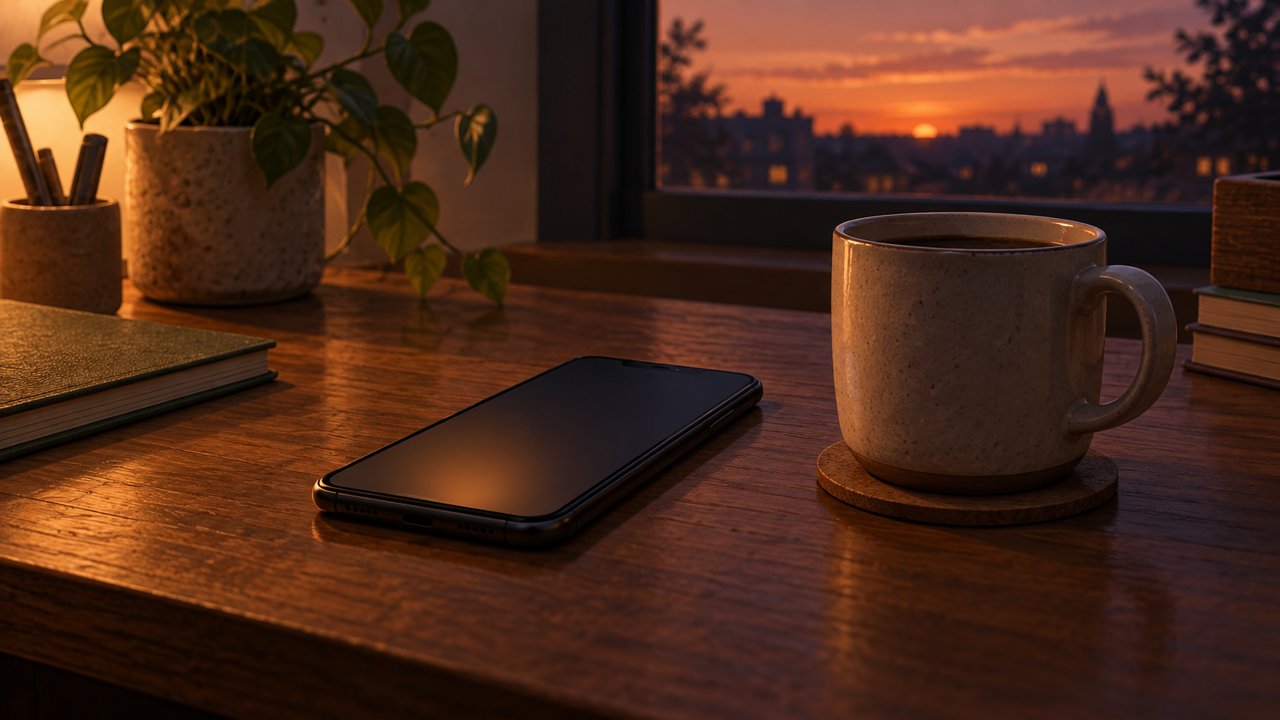
Turning on dark mode does not automatically make your battery last longer. The effect depends on whether your screen lights each pixel itself or shines a backlight from behind. The same chat app in a dark theme can help on one phone and barely change another. So the claim that dark mode alone stretches your day is only half true.
When pixels light themselves
On screens where pixels light themselves (OLED or AMOLED), true black pixels are nearly off. A mostly dark interface can cut display power. A messenger with a black background draws less screen power than one with a bright white field. The same idea applies when you switch article or document apps that used to be full of white space to a dark theme.
When a backlight shines from behind
On screens lit from behind (LCD), the backlight often stays on whether the content looks bright or dark. Switching to dark mode therefore rarely changes display power much. The slogan “darker screen means savings” fits these panels poorly. If only the colors change while the backlight stays the same, you may feel little battery difference.
What the studies measured
ACM MobiSys 2021 work and Purdue summaries show that even on OLED, at everyday indoor brightness (including auto-brightness), whole-phone power often drops only by a few percent to the low teens. Savings look larger if you measure the display alone, and at maximum brightness display savings can be much bigger (reports cite up to about 47% in some cases). If dark mode makes text harder to read and you raise brightness, those gains can shrink.
A common myth and a practical tip
“Dark mode always saves battery” is an overstatement. Check your phone settings or maker notes for display type, and avoid cranking brightness higher than you need. People also use dark mode for nighttime comfort, so battery alone need not decide. If saving power is the goal, look at display type, brightness, and the apps you use together.
Related reads
Dark-mode battery gains depend on display type and brightness: clearer on OLED, little on LCD.
Notes and references · ACM MobiSys · Ars Technica. Based on a Purdue team's ACM MobiSys 2021 paper (Zhao et al.) and Ars Technica coverage. On OLED screens dark mode cuts display power a lot, but whole-phone savings depend on brightness and apps, and LCDs gain almost nothing.
Editorial standardsReport an error
Quick quiz