No. 158Technology4 minviews 12
Published by GK Library Annex
Why does phone zoom get blurrier the more you zoom?
Far-off shots turn mushy mostly because the phone crops the photo and stretches it.
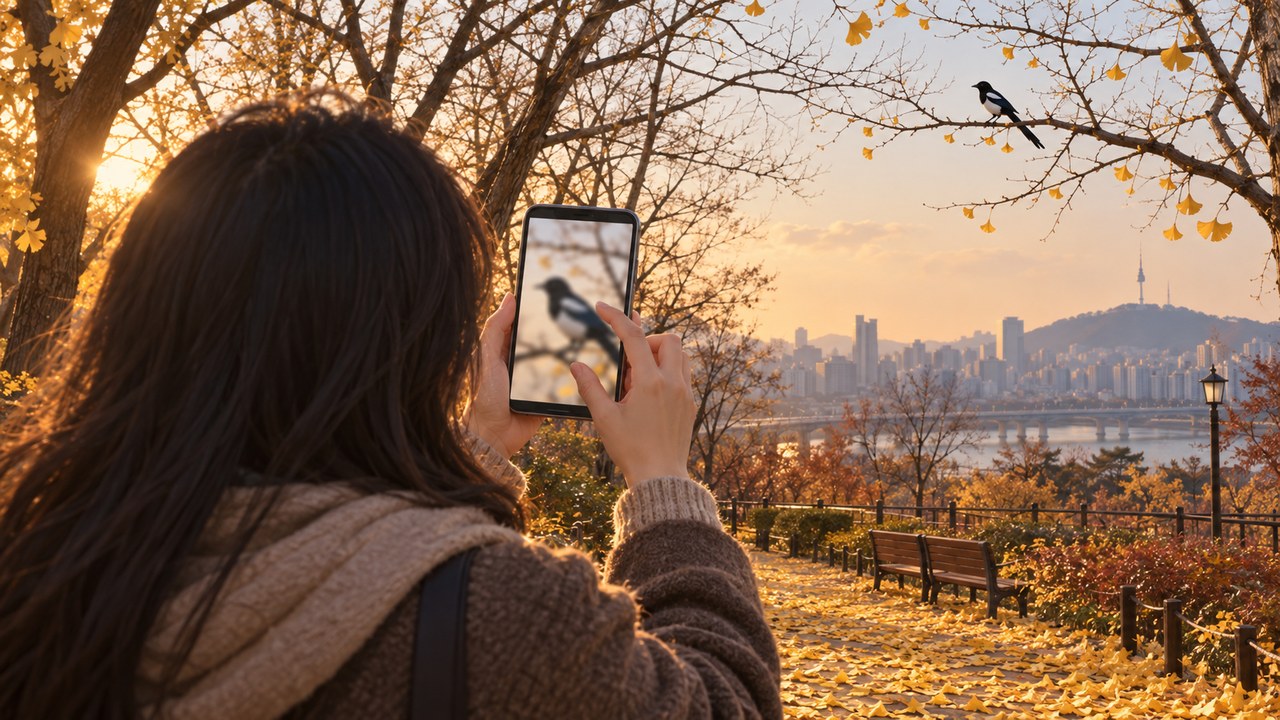
When you spread two fingers on your phone camera screen to bring something distant closer, most of the time you get digital zoom: the phone crops the middle of the picture and enlarges it. No new detail is captured, so the further you zoom, the blurrier and mushier it looks.
Zooming with a lens vs. cropping
There are two kinds of zoom. Optical zoom uses the lens to project a distant scene large across the whole sensor, so it keeps every pixel and captures fine detail. Digital zoom takes a scene that has already been captured, crops just the center, and blows it up to fill the screen.
For example, 2x digital zoom on a 12-megapixel camera uses only half the width and half the height. The real information left is a quarter, about 3 megapixels. The missing pixels are filled in by guessing from nearby colors, so edges go soft and fine patterns like leaves or lettering smear together. It works the same way as pinching to enlarge a photo in your gallery after you take it.
Why phones have several cameras
Phones today carry several rear cameras with different fields of view, such as ultra-wide, main, and telephoto. Tap the 3x or 5x button and the phone switches to the telephoto camera, which stays sharp up to that magnification using the lens itself. But magnifications between the buttons, or beyond the strongest telephoto setting, are cropped, stretched, and cleaned up with software again.
A common misconception is that numbers like 30x or 100x all reflect lens power. Most of that range is digital zoom, so it can look convincing at phone-screen size but smears like a watercolor when you view it larger. In the dark, there is too little light, so noise gets enlarged too and the gap grows even wider.
How to shoot distant things sharply
The cleanest results come from shooting at the magnification buttons shown on the camera screen. Those numbers are usually the settings where each camera performs at its best. If you can take a few steps closer, walking gives a sharper picture than zooming.
If you need to go further, shoot at the telephoto setting and crop later; the result is not very different. You also keep the original, so you can choose the framing again. The more you zoom, the more your hand shake shows too, so tucking your elbows against your body or leaning on a railing cuts down the blur.
Up to the telephoto setting shown on screen, the lens does the zooming; beyond that, the photo is being cropped and stretched.
Notes and references · General references on optical and digital zoom in phones. Based on camera makers' guides and the general principle of digital image enlargement (interpolation). Telephoto ranges and processing vary by model, so image quality differs from phone to phone.
Editorial standardsReport an error
Quick quiz