No. 205Technology4 minviews 72
Published by GK Library Annex
During a call, how does your phone know your ear is close?
A tiny window above the screen sends out invisible light and measures how much comes back
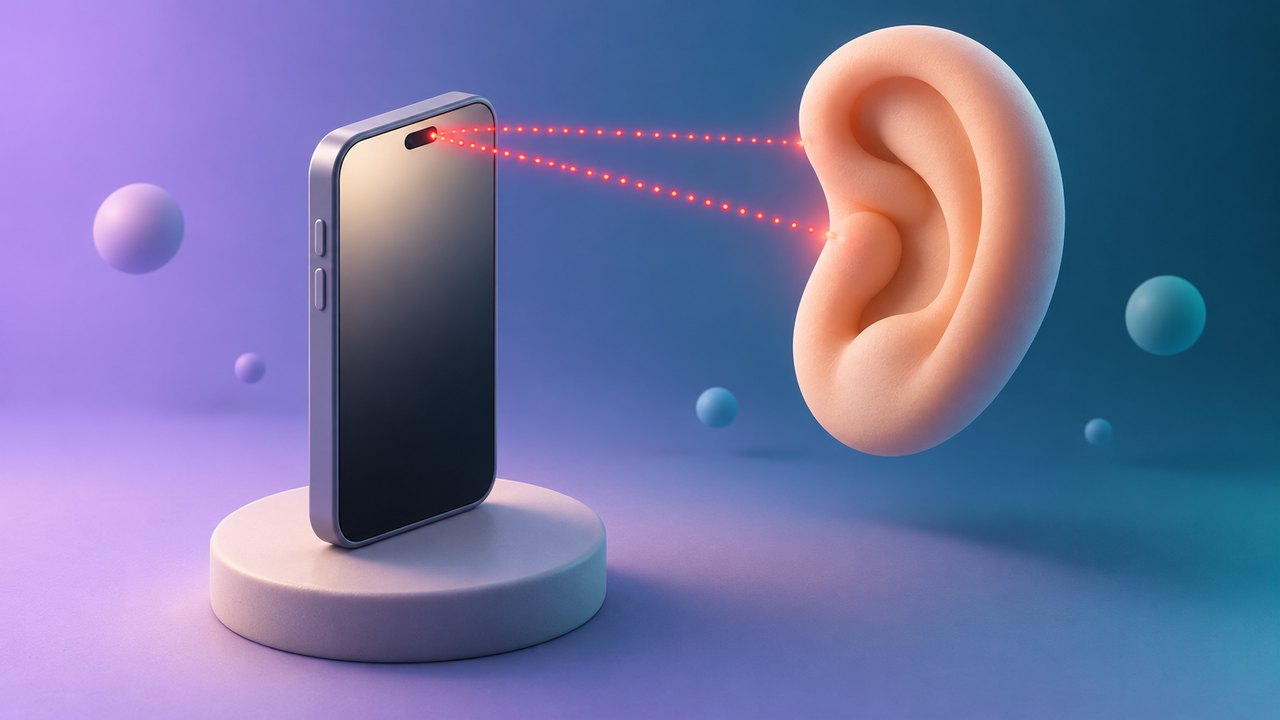
When you answer a call and hold the phone to your ear, the screen turns off, and when you pull it away, it turns back on. That happens because a proximity sensor hidden near the top of the phone notices that your face has come close. It is there because a screen left on against your cheek could end the call or press the wrong button.
It sends out light you can't see
Most phones place the proximity sensor near the top of the screen, close to the earpiece speaker. The sensor gives off a very faint beam of infrared light, which human eyes can't see, and a receiver right next to it catches the light that bounces back.
If nothing is in front, the light spreads out and hardly any returns. When an ear or cheek comes within a few centimeters, the light hits the skin and much more of it comes back. Once that amount passes a set threshold, the phone decides something is "near" and turns off both the display and the touch input.
It checks near or far, not distance
A proximity sensor is less like a tape measure and more like a switch. Android's developer documentation notes that most proximity sensors report distance in centimeters, but some report only two values: "near" and "far."
That is why covering the top of the screen with your palm during a call also turns the screen off, and moving your hand away turns it back on. The phone isn't telling an ear from a hand; it is only checking whether something has come close.
Films and dust can confuse it
Because it judges by light, the sensor sometimes gets it wrong. If a thick screen protector or the rim of a case covers the sensor window, light can reflect straight off the film, so the phone may feel as if something is always close. Then the screen may not come back on even after you move the phone away from your ear.
Dust or makeup on the sensor window can cause similar trouble. If your screen turns off oddly or won't turn on during calls, before suspecting a fault, wipe the top edge with a soft cloth and check that your screen protector isn't covering that spot.
Thinner bezels moved its hiding place
Older phones had a wide border above the screen where you could spot the small sensor window. As screens grew to cover almost the whole front, there was less room for the sensor, and manufacturers began hiding it under the display or in a very narrow gap.
The Xiaomi Mi MIX, released in 2016, even used ultrasound instead of light, detecting a face from the sound that bounced back. The method differs, but the job is the same: the phone guesses what is in front of it from how much of the signal it sent comes back.
Your screen turns off during calls because the proximity sensor detects nearby objects from reflected light.
Notes and references · Android Developers, "Position sensors". Most proximity sensors report distance in cm; some report only near or far. Infrared reflection is common, but designs vary; the 2016 Xiaomi Mi MIX used ultrasound.
Editorial standardsReport an error
Quick quiz